5.8GHz Outdoor Point-to-Point Wireless Bridge for Starlink
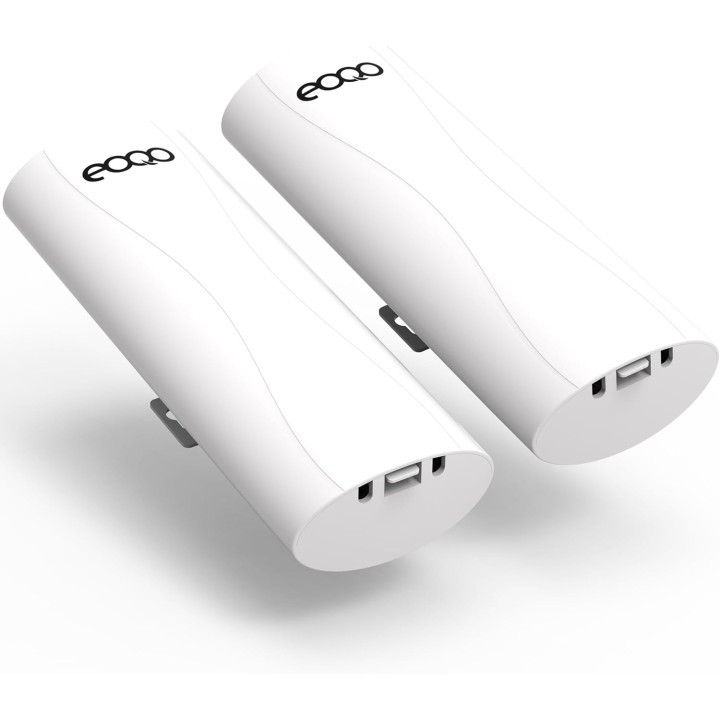
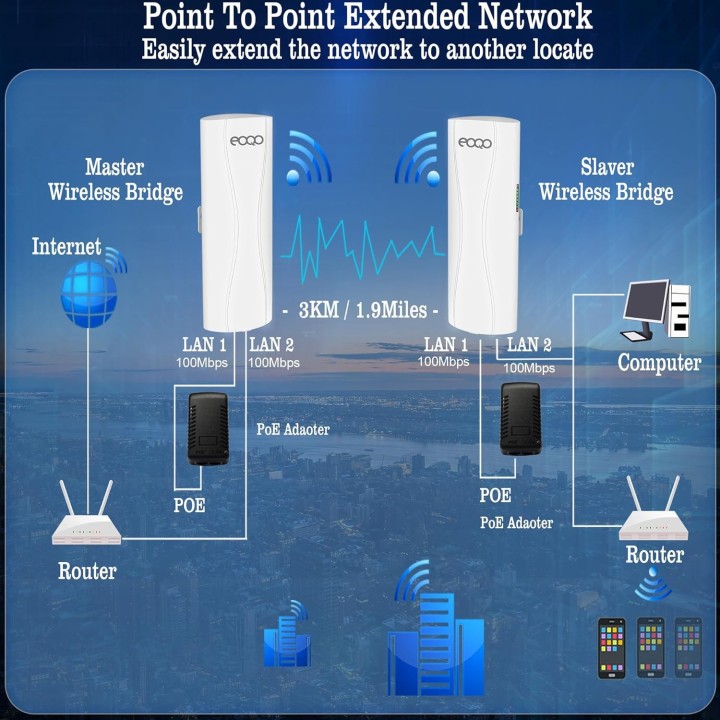
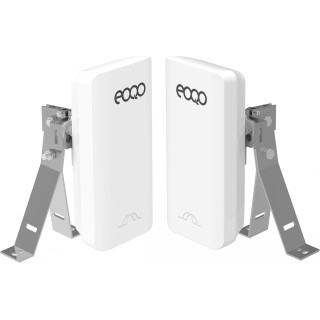
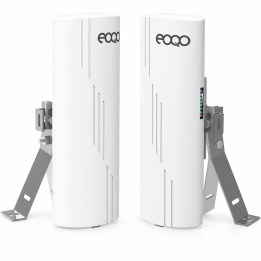
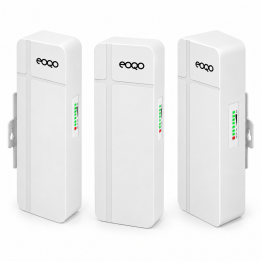
The EOQO CPE560 is a point to point wireless bridge for linking Ethernet between buildings. This 5.8GHz outdoor wireless bridge pair uses directional antennas to link a home, barn, workshop or remote camera site. It needs an existing router and Internet service.
Key Features
- Long-range link: Rated up to 3 km (2 mi) under ideal, unobstructed line-of-sight conditions; not a guaranteed working distance.
- 14dBi directional antennas: Aim both units directly toward one another. Trees, walls, terrain and interference can weaken the link.
- IP65 outdoor housings: Protect cable joints; install grounding and surge protection as required.
- 2-pack: Two radios with 24V PoE injectors and mounting parts.
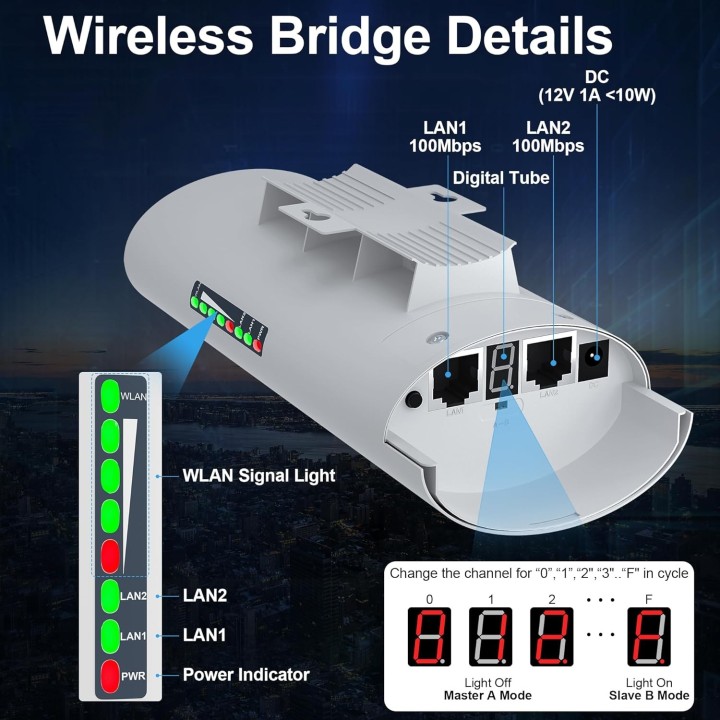
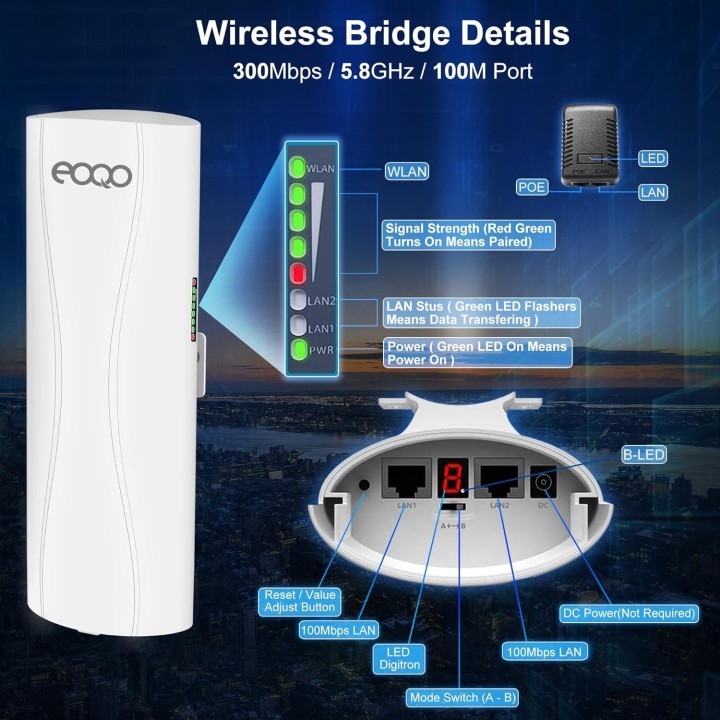
- Three Ethernet options: Select 100Mbps, Single Gigabit or Dual Gigabit by product combination. Verify model-specific port labels.
Ethernet Versions and Real-World Speed
- 100Mbps: LAN1 100Mbps + LAN2 100Mbps. Conservative planning reference: upload about 20 - 45Mbps; download about 25 - 50Mbps.
- Single Gigabit: LAN1 100Mbps + LAN2 1000Mbps. Broad planning reference: upload about 110 - 220Mbps; download about 100 - 300Mbps.
- Dual Gigabit: LAN1 1000Mbps + LAN2 1000Mbps. No verified CPE560 speed range; two ports do not imply aggregation.
Important speed notice: 100Mbps and 1000Mbps identify Ethernet port rates, NOT guaranteed wireless throughput or Internet speed. These are illustrative ranges, not verified CPE560 tests or guarantees. Actual speeds depend on conditions and may be lower. A Gigabit port does not provide 1000Mbps wireless throughput.
Read Before Buying: Range, Obstacles and Height
3 km (2 mi) is an ideal-condition rated maximum, not an assured distance. Trees, buildings, hills, other wireless signals, rain, snow, wind-related movement and poor antenna alignment can reduce speed or stability. Clear visual line of sight alone may not provide enough Fresnel-zone clearance.
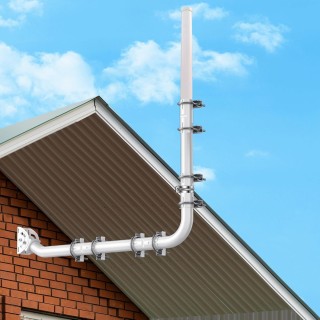
Links around 300 - 1,000 m (984 - 3,281 ft) are generally easier to plan, but performance still varies. For longer links, mount BOTH radios high enough to clear the terrain, rooftops and trees along the radio path. For very long links, survey the site and carefully align antennas.
Starlink Compatibility and Applications
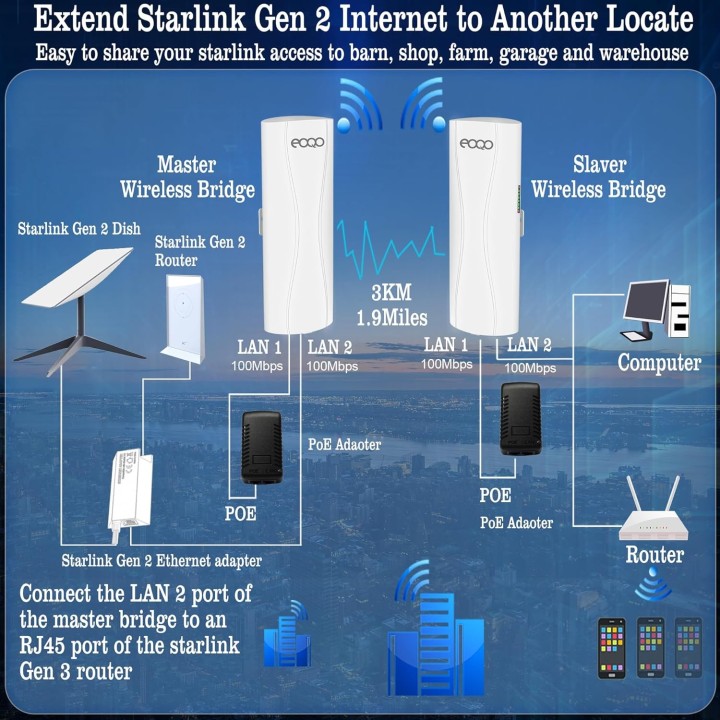
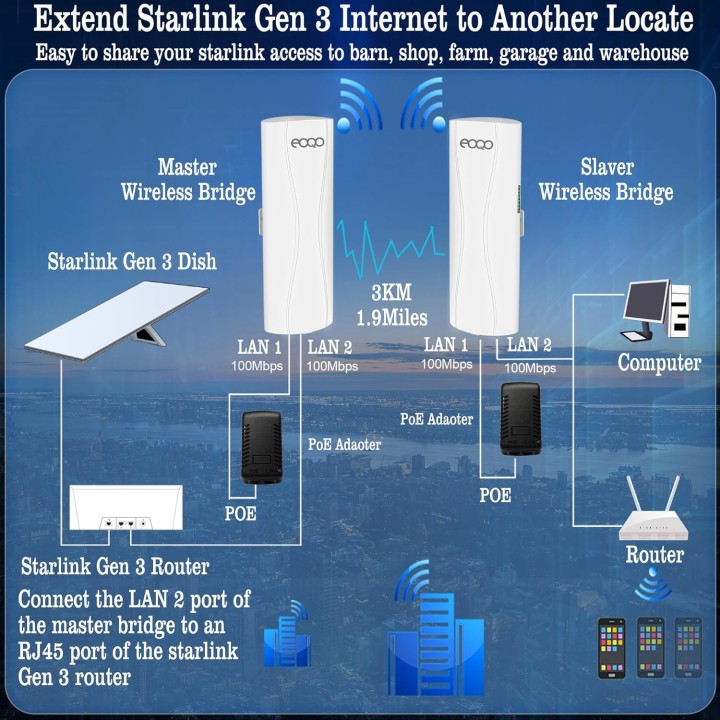
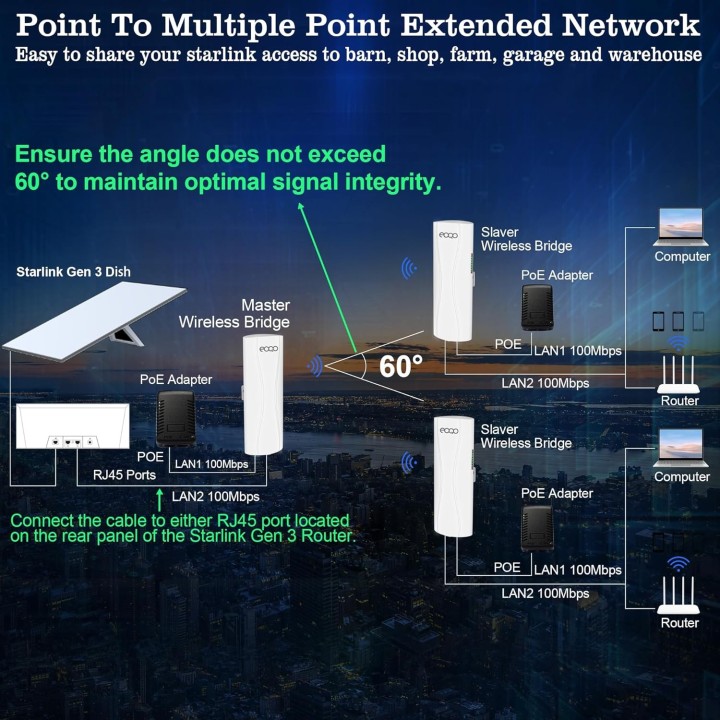
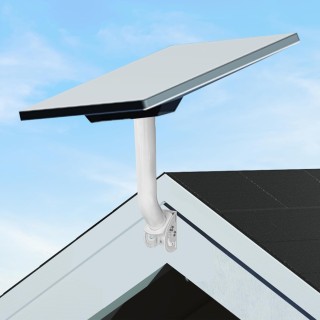
This starlink ethernet bridge kit can extend an existing Ethernet LAN from Starlink Gen 3, Standard 4/4X, Enterprise, Mini or V5 equipment when the specific router/power setup provides a compatible Ethernet output. Mini may require a sealed Ethernet cable; some other setups require an adapter. Starlink hardware is not included.
- building to building wifi bridge: Connect a main house to a garage, guest house or office without a long inter-building Ethernet run.
- wireless bridge for barns: Extend broadband to a farm building or workshop.
- wireless bridge for cameras: Backhaul compatible IP camera or NVR traffic through a remote switch, subject to available bandwidth.
- 3km outdoor wireless bridge: Check line of sight and mounting height.
Setup and Remote WiFi
- Bench-test the pair: use A/Master at the source router and B/Slave at the remote location, following the exact model's pairing instructions.
- Use the supplied matching PoE injectors and the wiring diagram for your speed option. Some Gigabit versions use separate power and data ports. Do not assume all models support 48V.
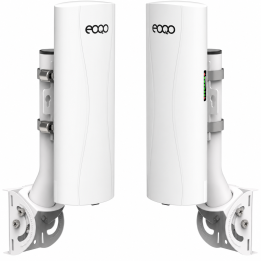
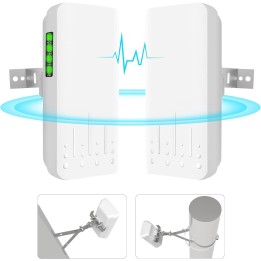
- Mount securely, face the two radios toward each other, protect outdoor Ethernet runs and check signal quality.
The pair transports an Ethernet connection. For reliable phones/laptops WiFi at the remote site, add a separate access point or router in AP mode.
Package Contents
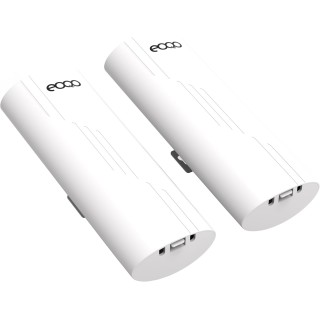
- 2 × EOQO CPE560 wireless bridge units
- 2 × matching 24V PoE power injectors
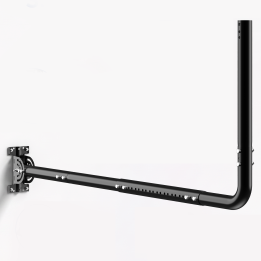
- Mounting kits and waterproof connector accessories (verify selected SKU and quantities)
Starlink router/dish, Ethernet adapter, remote WiFi access point and outdoor network runs are not included unless specified.
Setup help:
Wireless Bridge Installation Guide
Wireless Bridge FAQ








Comments (0)
Your review appreciation cannot be sent
Report comment
Report sent
Your report cannot be sent