5.8GHz Point-to-Multipoint Wireless Bridge
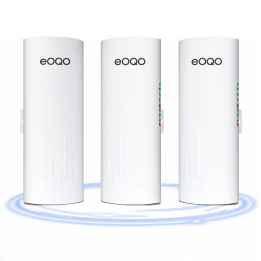
Connect one main network to two remote sites. This EOQO point to multipoint wifi bridge has 1 Master (A) and 2 Slaves (B). The 5.8GHz outdoor wireless bridge carries Ethernet, not Internet service.
Key Features
- 3-pack PtMP topology: One Master serves two Slaves within its coverage; they do not have independent full-speed links.
- 16dBi directional antennas: Aim both Slaves at the Master within its coverage angle.
- Advertised range up to 3 km (2 mi): Ideal clear line of sight only; not guaranteed.
- IP65 outdoor enclosures: Protect cable joints; use drip loops and appropriate grounding.
- Choice of Ethernet ports: 100Mbps, Single Gigabit or Dual Gigabit; verify your SKU.
- 24V PoE: Use matching injectors; check each port label.
Ethernet Versions and Real-World Speed
- 100Mbps: LAN1 100Mbps + LAN2 100Mbps. Planning reference: upload 20 - 45Mbps; download 25 - 50Mbps.
- Single Gigabit: LAN1 100Mbps + LAN2 1000Mbps. Planning reference: upload 110 - 220Mbps; download 100 - 300Mbps.
- Dual Gigabit: LAN1 1000Mbps + LAN2 1000Mbps, only with dual-Gigabit hardware. No verified 3-pack speed range.
Important speed notice: 100Mbps/1000Mbps are Ethernet port ratings, NOT actual wireless speed. The ranges are estimates, not tested figures or guarantees for this kit. Results may be lower; Gigabit ports do not ensure 1000Mbps wireless throughput.
Shared Bandwidth: Read Before Buying
Both remote Slaves share the Master radio's available wireless capacity. Each Slave's speed depends on total traffic, interference and link quality; reference speeds are NOT per-Slave promises. Budget both camera streams together.
Distance, Obstructions and Mounting Height
3 km (2 mi) is a theoretical maximum under ideal line-of-sight conditions. Trees, buildings, hills, weather and interference reduce performance. Check Fresnel-zone clearance, not just visible line of sight.
Open-area links of 300 - 1,000 m (984 - 3,281 ft) are often easier, but not guaranteed. Beyond 1,000 m (3,281 ft), mount all radios high enough to clear obstacles and the Fresnel zone. Survey both long-range paths and the Master's coverage sector before buying.
Starlink Compatibility and Applications
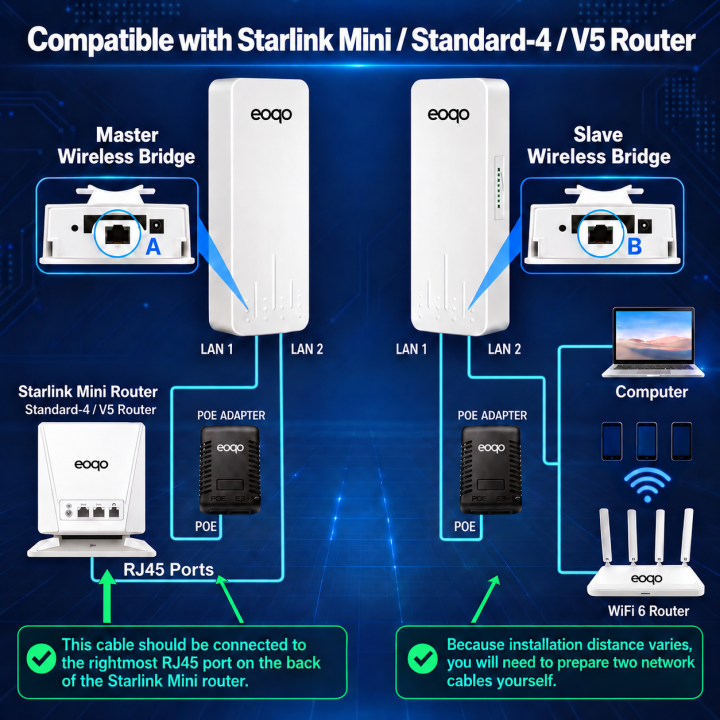
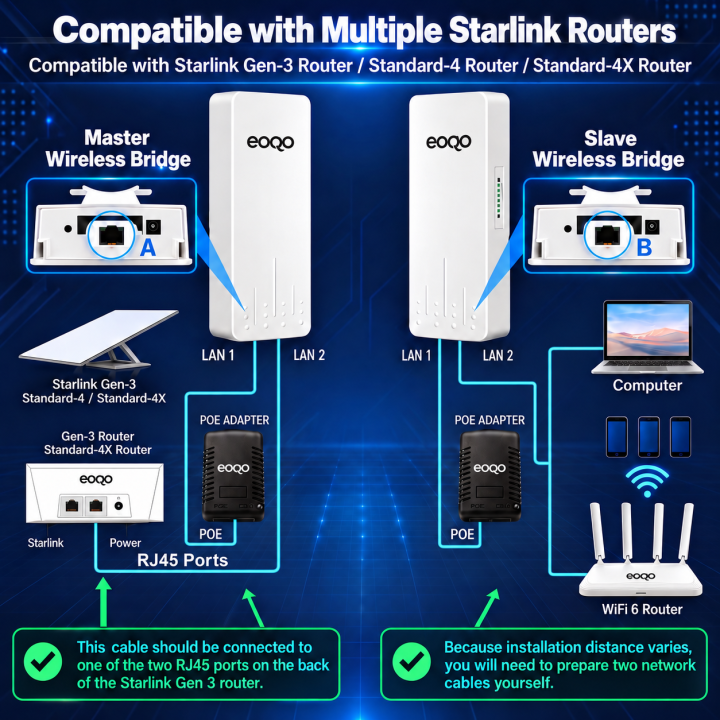
Use this starlink ethernet bridge kit with Starlink Gen 3, Standard 4/4X, Enterprise, Mini or V5 when it provides compatible Ethernet LAN. Some setups require an adapter or sealed cable. Never power Starlink from bridge PoE.
- Wireless bridge for barns: Connect a farmhouse to two outbuildings.
- Wireless bridge for cameras: Link two camera sites to an NVR within total bandwidth limits.
- Building to building WiFi bridge: Link an office, garage or guest house.
- Add separate remote WiFi access points when needed.
3-Radio Setup and PoE Notes
- Bench-test all three units: one A/Master and two B/Slaves. Verify pairing with the correct manual.
- Connect Master to router/NVR and each Slave to its remote switch/AP. Match the exact PoE/data wiring; some Gigabit layouts have separate PoE and data ports.
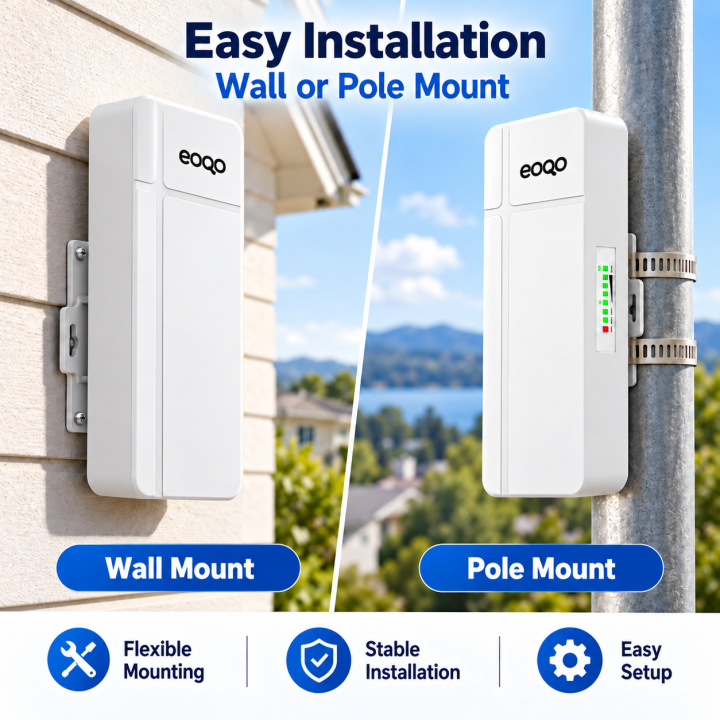
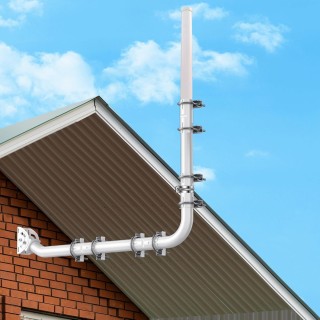
- Mount with clear radio paths; align and test both Slaves at once.
Remote WiFi: Bridges supply Ethernet backhaul, not assured indoor WiFi. Use APs at remote sites; cameras need separate power or PoE switches.
Package Contents (3-Pack)
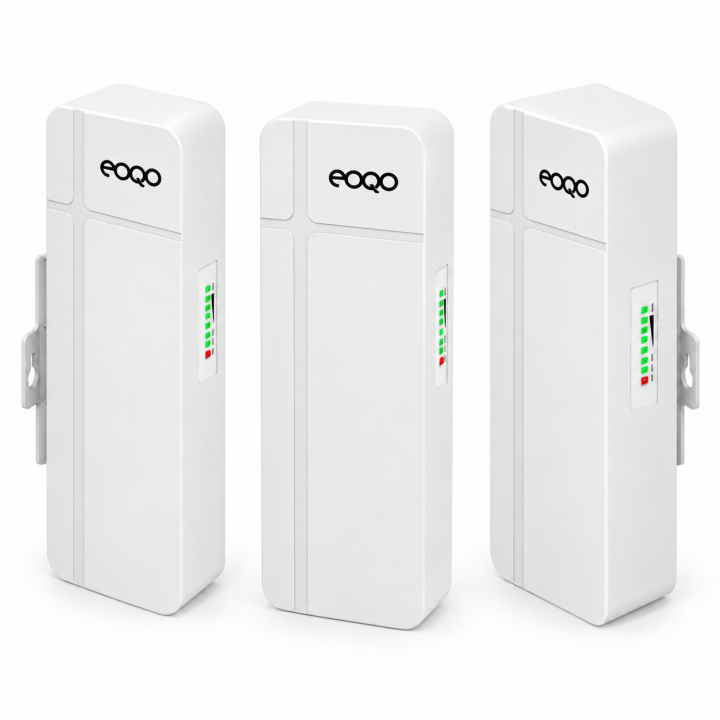
- 3 × outdoor PtMP wireless bridge radio units (one Master, two Slaves by configuration)
- 3 × matching PoE injectors — confirm ratings and quantities on the selected SKU packing list
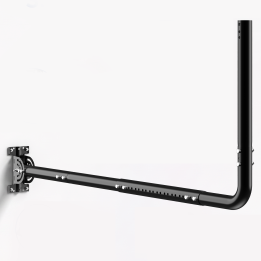
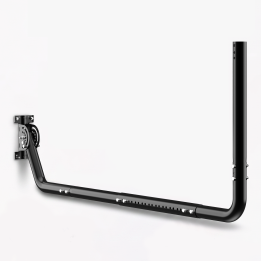
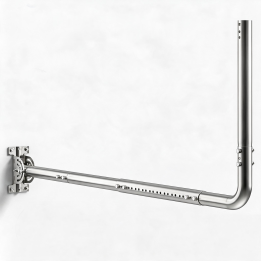
- Mounting hardware and patch cables — verify exact quantities by SKU
Starlink devices, adapters, remote APs, cameras and long cables sold separately.
Setup help:
Wireless Bridge Installation Guide
Wireless Bridge FAQ







Comments (0)
Your review appreciation cannot be sent
Report comment
Report sent
Your report cannot be sent