5.8GHz Point-to-Point Wireless Bridge with Adjustable Mounts
Connect remote buildings or cameras to an existing Ethernet network without long cable runs. Includes two directional bridges and adjustable mounts. Choose 100Mbps, Single Gigabit or Dual Gigabit.
Key Features
- 5.8GHz / 14dBi: Directional wireless link for building-to-building networking. Aim both radios at each other.
- Advertised maximum 3 km (2 mi): A theoretical/ideal clear-line-of-sight range, NOT an assured distance or speed. Site conditions determine usable range.
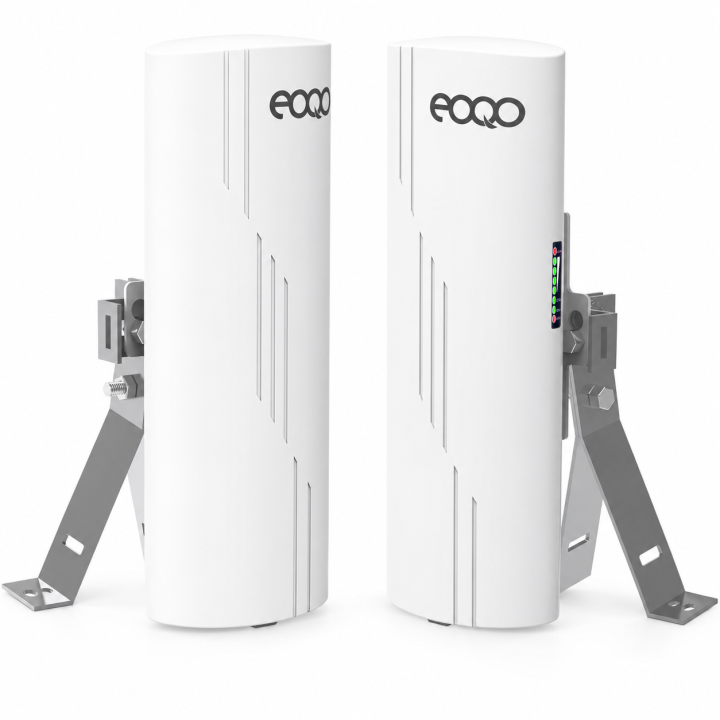
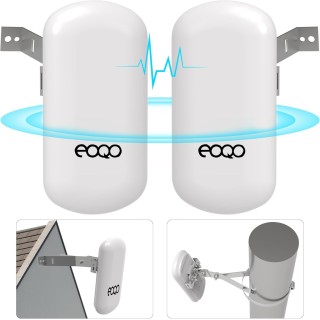
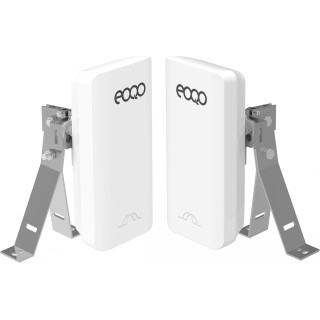
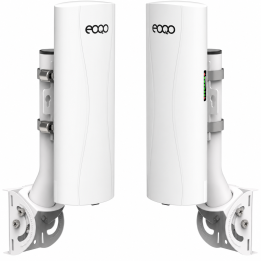
- Adjustable mounts: Two bracket kits allow wall or pole installation and directional adjustment. Mounts fit bridge radios, NOT the Starlink dish.
- Three Ethernet options: Select 100Mbps, Single Gigabit or Dual Gigabit (see port details below). Gigabit ports do not mean 1000Mbps wireless throughput.
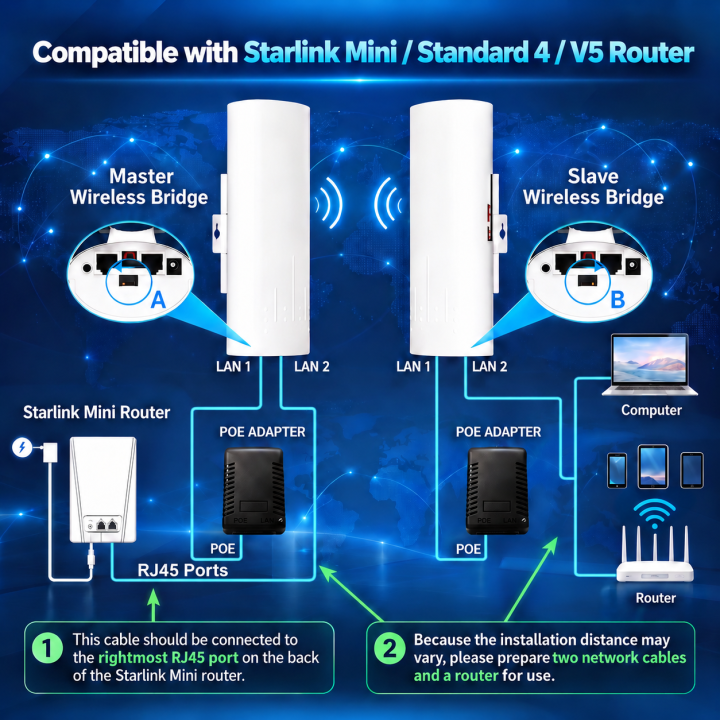
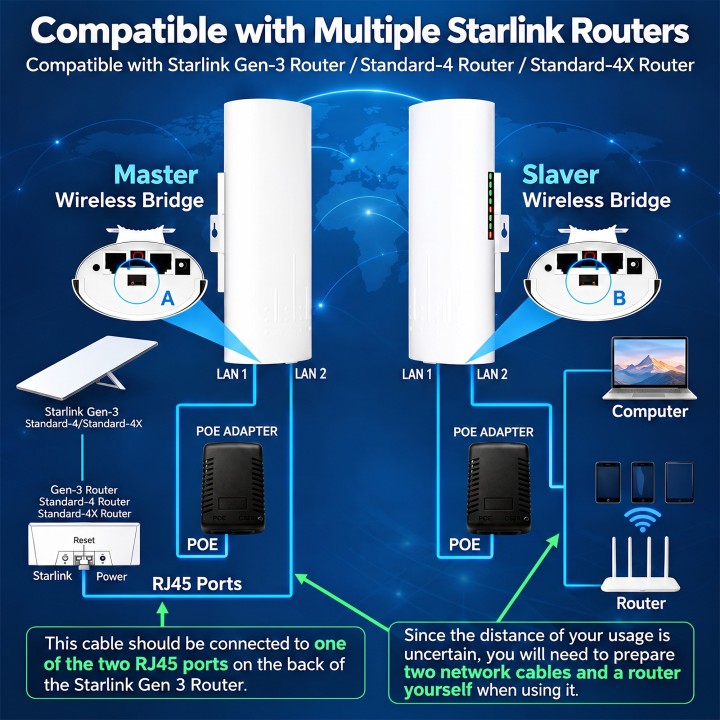
- Starlink Ethernet compatibility: Connect Starlink Gen 3/Mini LAN or Gen 2 via an Ethernet adapter. This kit transports Ethernet; it does not supply Internet.
- Pre-paired A/B kit: Master (A) at the source router and Slave (B) at the remote site. Check the correct manual, labels, pairing setting and PoE injector before powering.
Speed Versions & Realistic Expectations
- 100Mbps: LAN1 100Mbps + LAN2 100Mbps. Conservative planning reference: approximately 20 - 45Mbps upload and 25 - 50Mbps download.
- Single Gigabit: LAN1 100Mbps + LAN2 1000Mbps. Broad planning reference: approximately 110 - 220Mbps upload and 100 - 300Mbps download, depending on the exact model and installation.
- Dual Gigabit: LAN1 1000Mbps + LAN2 1000Mbps. No confirmed fixed real-world speed for this product variant. Two Gigabit ports do not automatically provide link aggregation or 1000Mbps over the air.
Speed notice: These upload/download figures are illustrative planning ranges across relevant equipment, not verified CPE356 benchmarks or guarantees. Actual results can be lower. Ethernet port speed, wireless link rate and Internet speed are different. Performance depends on alignment, interference, wiring and upstream Internet.
Read Before Buying: Distance & Mounting Height
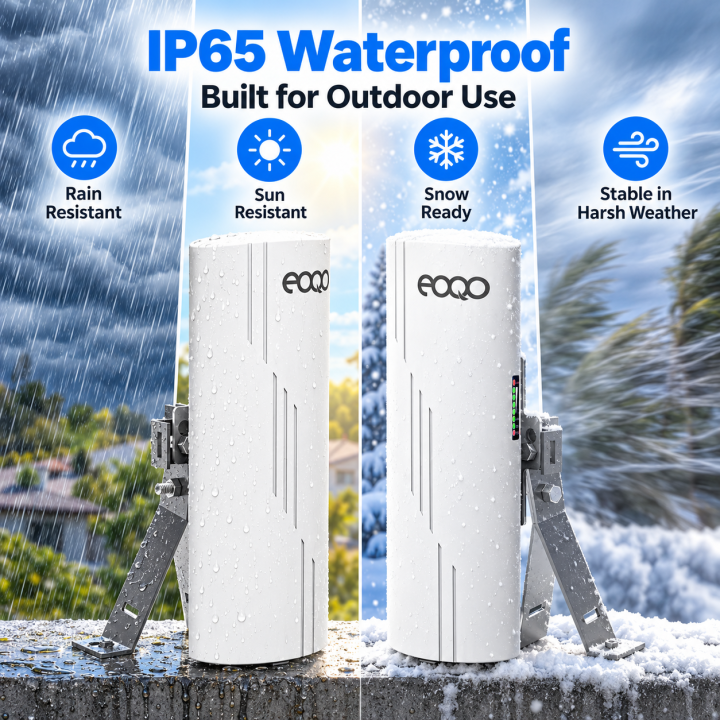
3 km (2 mi) is an advertised ideal-condition range, not an everyday guaranteed distance. Trees, hills, buildings, other radios, rain, snow and poor alignment may reduce range and speed. A clear visual path alone may not be enough: keep the Fresnel zone as clear as possible.
Links around 300 - 1,000 m (984 - 3,281 ft) are generally easier to plan in open areas, but remain environment-dependent. Beyond 1,000 m (3,281 ft), plan the terrain and raise BOTH bridge radios high enough to clear trees, rooftops and the radio path. Long links need a site survey and precise alignment; do not buy based on distance alone.
Typical Applications
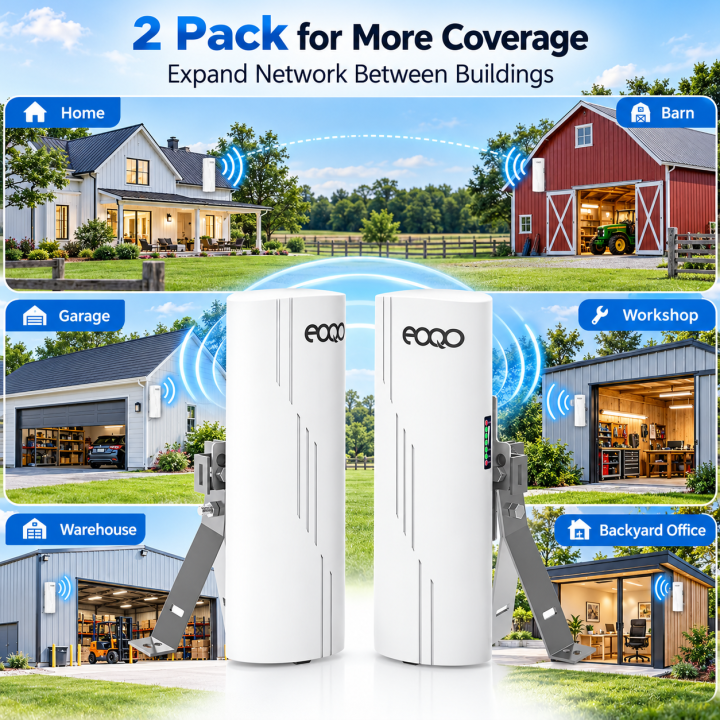
- Extend Starlink or wired broadband to a barn, shop, detached garage or guest house.
- Connect a farm office, warehouse, gatehouse or remote building to the main network.
- Carry IP camera traffic back to an NVR through a compatible remote network switch.
- Add a separate WiFi access point or AP-mode router at the remote site for phones and laptops.
Installation Notes
- Bench-test both bridges, matching injectors and network cables before outdoor mounting.
- Use Master A at the Internet-source side and Slave B at the far end. Match the physical PoE/data ports to the EXACT speed version and supplied wiring diagram; some Gigabit versions have separate 100Mbps PoE and 1000Mbps data ports.
- Use only the correct supplied PoE power equipment; do not assume any 48V source is safe. Install securely, protect outdoor cable connections and fine-tune antenna alignment.
Remote WiFi note: The bridge creates an Ethernet link, not guaranteed indoor WiFi coverage. Add an access point when required. Starlink equipment, remote AP and cameras are not included.
Package Contents
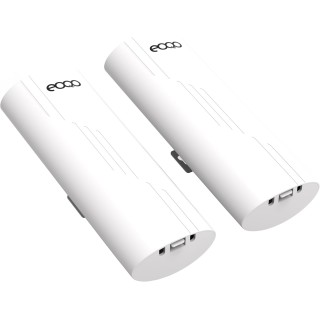
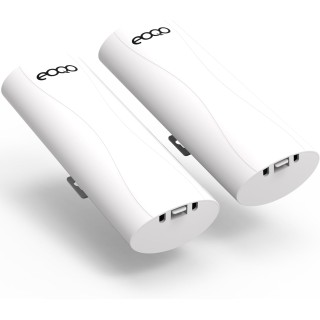
- 2 x outdoor point-to-point wireless bridges
- 2 x adjustable mounting bracket kits for wall or pole installation
- 2 x mounting clamp sets
- 2 x matching PoE injectors
- 2 x Ethernet cables
Verify the exact selected SKU's bracket, cable and injector contents before shipment.
Setup:Wireless Bridge Installation Guide | Wireless Bridge FAQ








Comments (0)
Your review appreciation cannot be sent
Report comment
Report sent
Your report cannot be sent