EOQO Starlink Gen 3, Standard 4, 4X, Enterprise Wall Mount, 610 mm (24.0 in) Bracket, 160° Tilt
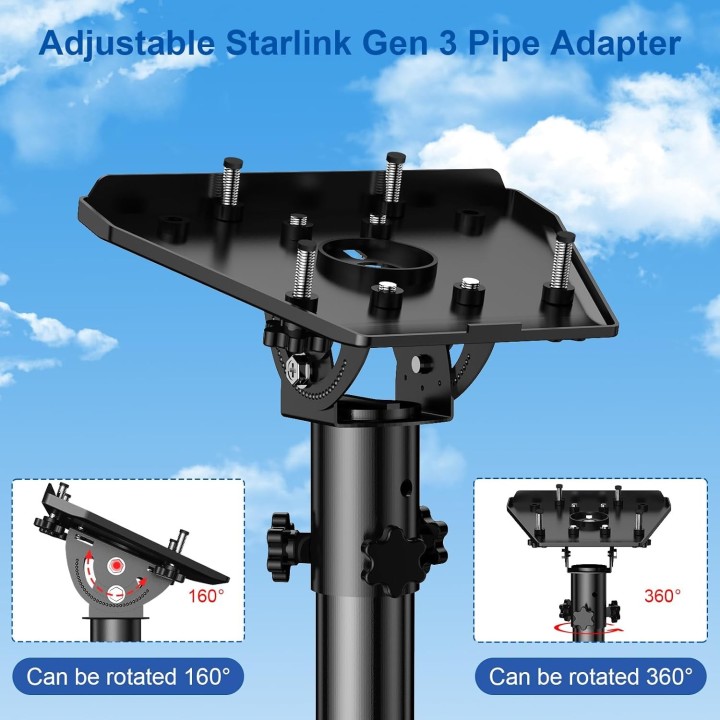
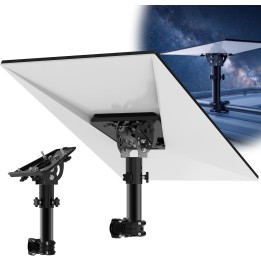
The Starlink Gen 3 Mount is a versatile and durable solution designed to securely mount your Starlink Gen 3 dish. With its 160° tilt adjustment and 360° horizontal rotation, this adjustable pipe adapter ensures the best possible signal alignment for your satellite internet.
Key Features & Specifications
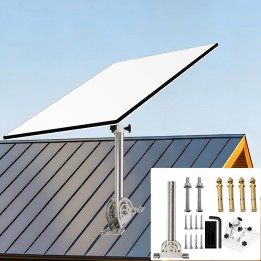
- Fit for Starlink Gen 3 Dish: Precision-engineered pipe adapter ensures optimal signal strength when mounting your Starlink dish on a wall, roof, pole, or ground.
- 160° Tilt & 360° Rotation: Offers flexible positioning for optimal satellite reception and signal alignment.
- High-Strength Aluminum Alloy Construction: Built with durable aluminum alloy, rust-proof screws, and nuts, ensuring long-lasting performance in all weather conditions.
- Exceptional Wind Resistance: Designed for areas with strong winds, this mounting kit ensures your Starlink dish stays in place even during extreme weather.
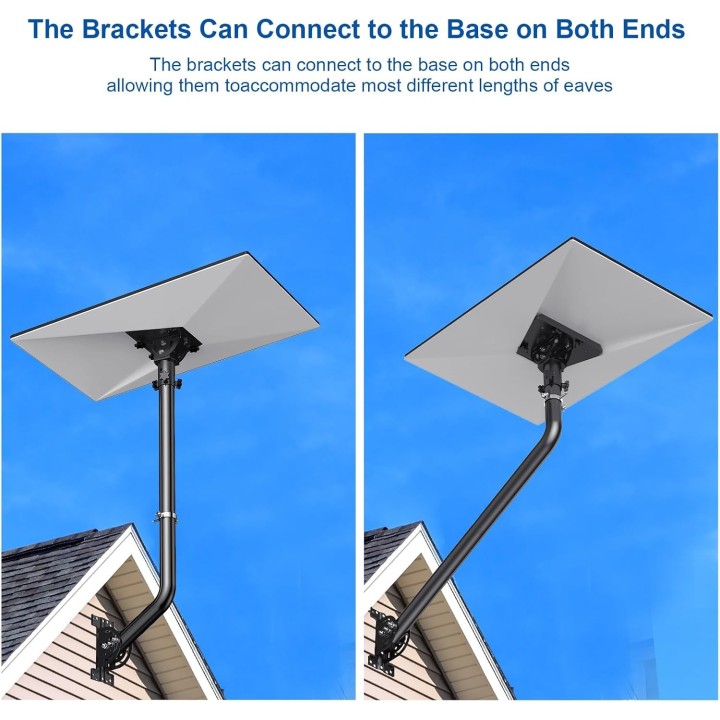
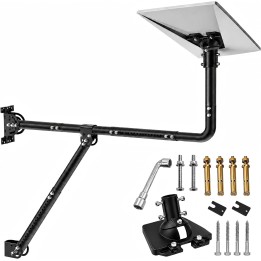
- Flexible Installation Options: Comes with concrete wall expansion screws and wood roof lag screws, accommodating different installation surfaces and eave lengths.
- Optimized Cable Management: Includes a cable channel to keep your setup organized and ensure no damage to cables during installation.
- Comprehensive Accessories: Includes all necessary parts for installation - 1x Gen 3 bracket mounting base, 1x support pole, 1x Gen 3 adapter, 1x wrench, and screws.
Applications
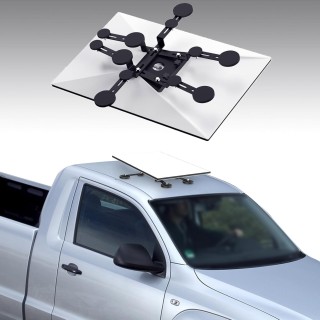
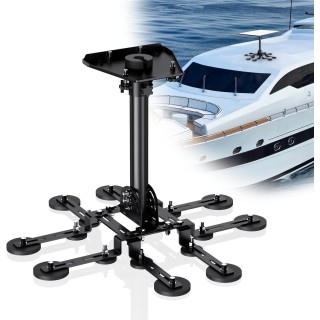
Starlink satellite antenna installation on compatible residential walls, roofs, eaves, poles and RV fixtures. Confirm the exact dish generation and adapter interface.
Installation & Setup
- Verify the exact Starlink dish generation and whether this kit includes the needed pipe or dish adapter.
- Secure the base to a suitable roof, wall, mast or RV fixture using hardware rated for that material.
- Attach the dish, set the permitted angle, tighten fasteners and check cable clearance and the Starlink app.
Package Contents
Starlink dish and router are not included unless explicitly stated. Mount/adapter parts and fasteners depend on the selected kit; confirm the exact pieces against its photos and option list.
Installation guide:Starlink Mount Installation Guide











Comments (0)
Your review appreciation cannot be sent
Report comment
Report sent
Your report cannot be sent