EOQO CPE620 Point-to-Point Wireless Bridge with J-Mounts
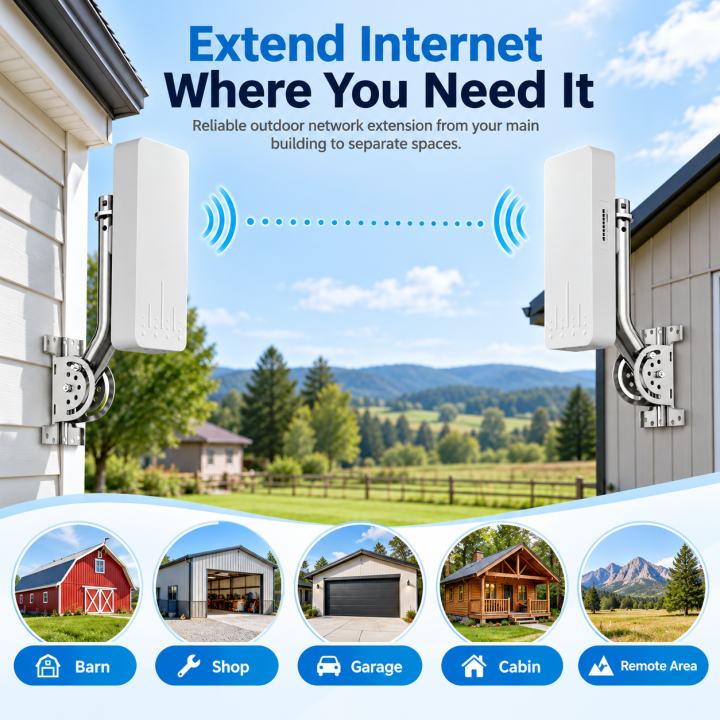
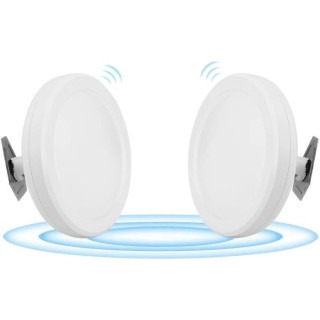
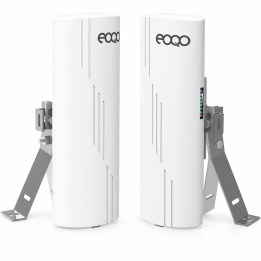
Extend an existing Ethernet network to a second building without trenching a long cable. This point to point wireless bridge is a 5.8GHz outdoor wireless bridge 2-pack with directional radios and J-mount installation hardware. An existing router and Internet are required.
Key Features
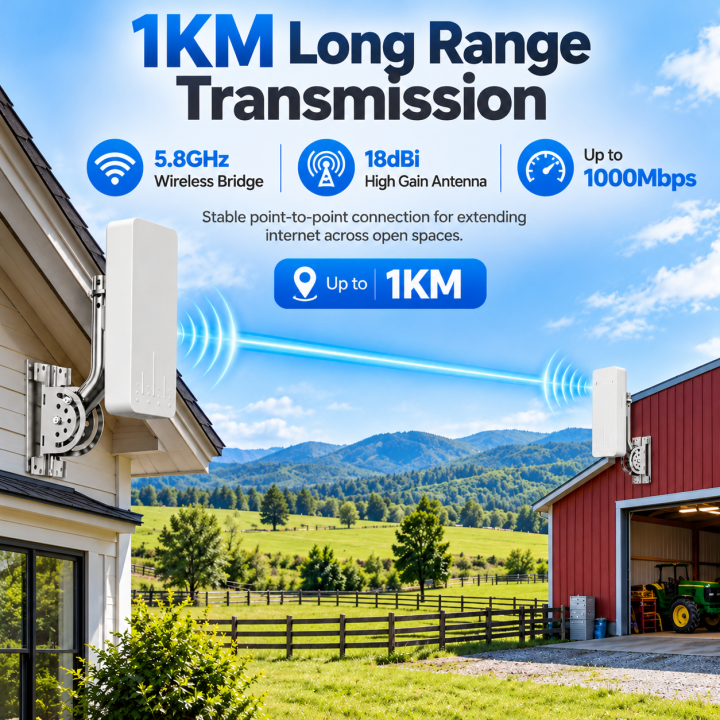
- Rated up to 3 km (2 mi): Advertised maximum for ideal, unobstructed line of sight, NOT guaranteed coverage or speed.
- Directional antennas: Aim both radios toward one another. Verify antenna gain for your selected SKU.
- J-mount installation: A wireless bridge with J mount hardware for a wall or pole installation; these brackets support the radio units, NOT a Starlink dish.
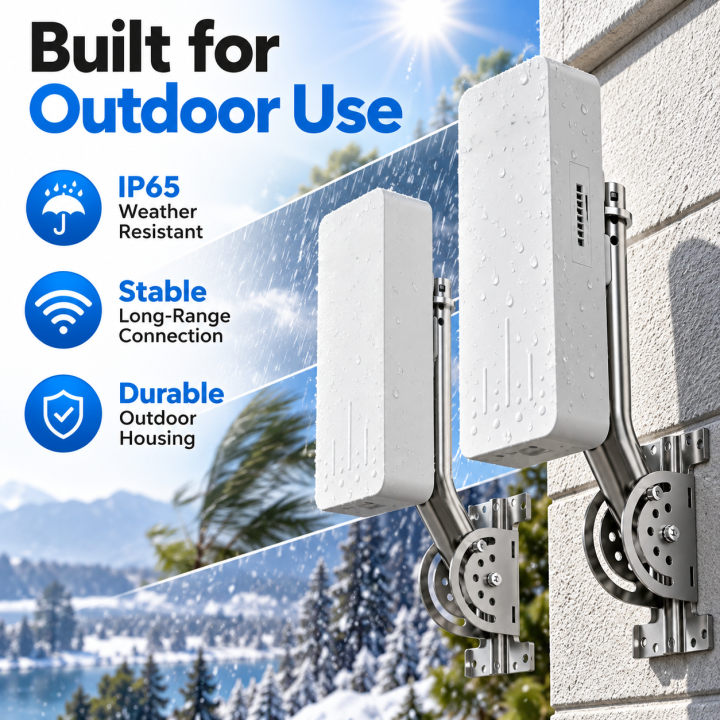
- IP65 housing: Weather-resistant housing. Protect cable joints; use drip loops and surge protection.
- Two-radio bridge: Use A/Master at the Internet source and B/Slave at the remote site. Test before installing.
Choose Your Ethernet Port Version
- 100Mbps: LAN1 100Mbps + LAN2 100Mbps. Conservative planning reference: approximately 20 - 45Mbps upload and 25 - 50Mbps download.
- Single Gigabit: LAN1 100Mbps + LAN2 1000Mbps on the matching hardware. Broad planning reference: 110 - 220Mbps upload and 100 - 300Mbps download.
- Dual Gigabit: LAN1 1000Mbps + LAN2 1000Mbps, only with verified dual-Gigabit hardware. No verified CPE620 speed figure.
Read before buying — actual speed: 100Mbps/1000Mbps are Ethernet PORT ratings, not guaranteed wireless throughput or Internet speeds. Ranges are general planning figures, not verified CPE620 test results or guarantees. Actual results may be lower. Two Gigabit ports do not automatically provide 1000Mbps wireless speed or aggregation.
Distance, Obstacles and Mounting Height
The 3 km (2 mi) rating assumes ideal conditions. Trees, buildings, hills, rain, snow, interference and antenna misalignment can reduce performance. Even a visible path may have poor Fresnel-zone clearance.
In open areas, links around 300 - 1,000 m (984 - 3,281 ft) are generally easier to plan, but no range is guaranteed. Beyond 1,000 m (3,281 ft), assess terrain and raise BOTH radios high enough to clear rooftops, foliage and the radio path. Survey long links before purchase.
Starlink Ethernet Compatibility and Uses
This starlink ethernet bridge kit extends a compatible Ethernet LAN from Starlink Gen 3, Standard 4/4X, Enterprise, Mini or V5 installations. This is Ethernet network compatibility, not direct dish compatibility. The Starlink setup must offer a compatible LAN output; an Ethernet adapter or waterproof cable may be required. Do not feed bridge PoE directly into Starlink equipment.
- Building to building wifi bridge: Connect a house to a garage, guest house or workshop.
- Wireless bridge for barns: Reach a farm outbuilding from the main router.
- Wireless bridge for cameras: Carry IP camera data to a switch or NVR within available bandwidth.
- Connect a separate WiFi access point at the remote building for phones and laptops.
Setup and PoE Safety
- Bench-test both radios, pairing and Internet access at the Slave end before mounting.
- For the 100Mbps version, connect router LAN to injector LAN and injector POE to the CPE's designated PoE port; connect remote equipment similarly.
- Some Gigabit versions use separate 100Mbps PoE and Gigabit data ports. Follow the EXACT SKU labels and wiring diagram. Use supplied matching 24V injectors; 48V only if explicitly authorized.
- Align radios face to face, secure both mounts, protect outdoor connections and check Ethernet link speed.
Remote WiFi note: The bridge transports Ethernet; it is not guaranteed to provide indoor WiFi coverage. A separate access point or AP-mode router may be needed.
Package Contents
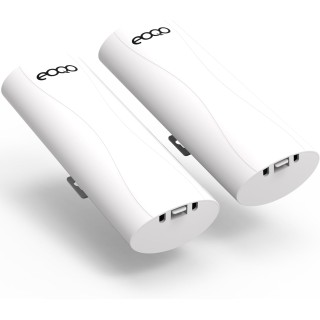
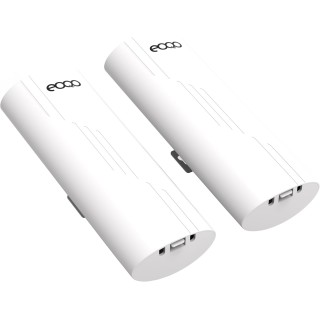
- 2 × EOQO outdoor wireless bridge radios
- Matching PoE injectors (normally one per radio; verify rating and quantity)
- J-mount brackets, clamps, fasteners and patch cables as supplied; verify quantities for your SKU
Starlink dish/router, Ethernet adapters, remote AP, cameras and long outdoor cables are not included unless specifically listed.
Setup resources:
Wireless Bridge Installation Guide
Wireless Bridge FAQ







Comments (0)
Your review appreciation cannot be sent
Report comment
Report sent
Your report cannot be sent